
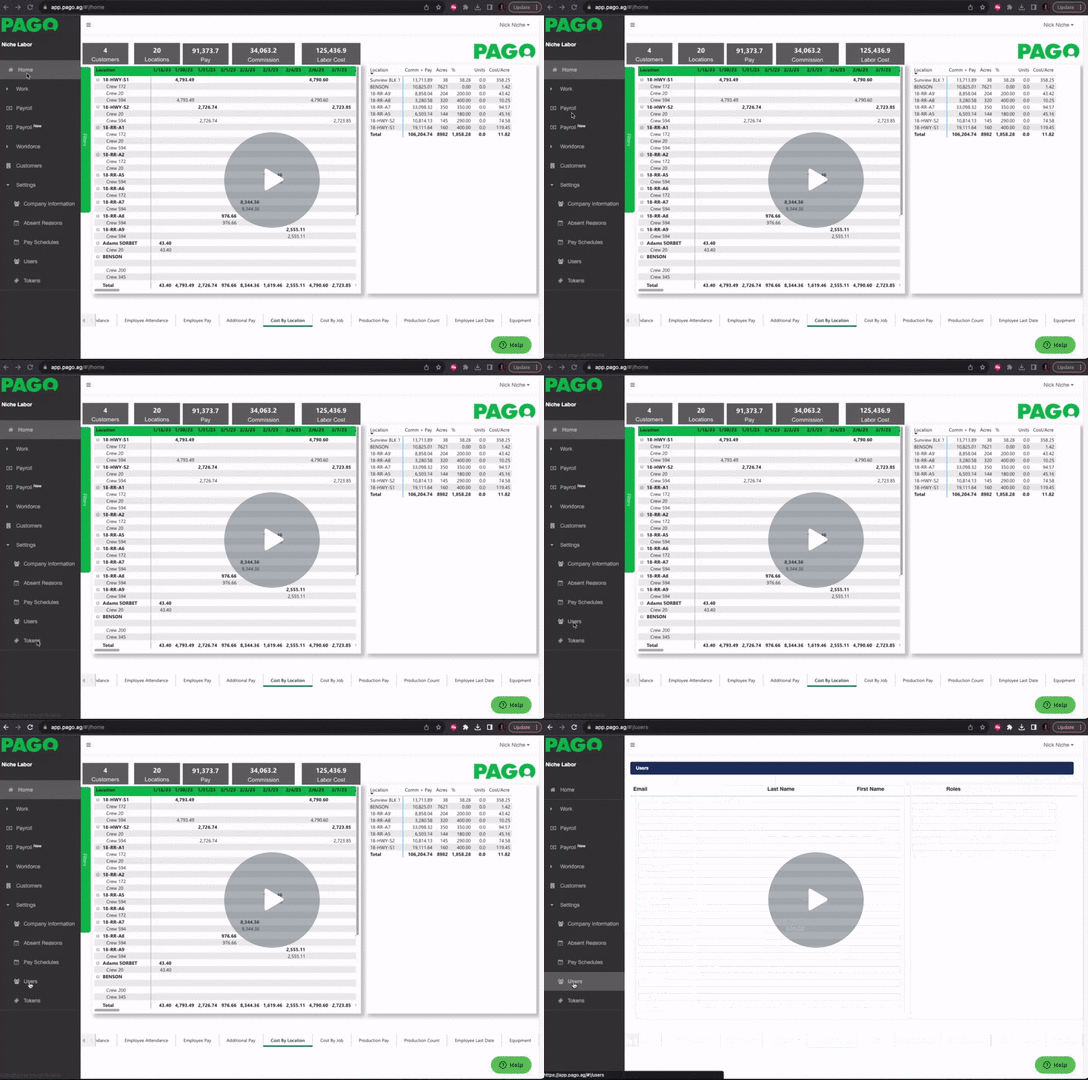
Go into your menu tab under Settings, click the Users tab in Pago. Once in the Users page
Select the green Add User button on the top right.

Make sure to fill in all the blanks in each box.

Note: The email used here will now become the Username when logging in to Pago Web.

Selecting Roles for your new user
There are a total of 4 roles in Pago:
*Administrator: Web portal User
*User Admin: Allows the user to create/edit users(anyone that doesn’t have this role won’t
see the “Add Users” option) you must also assign the admin role.
*Timekeeper: Mobile User
*Work Assignment Creator -> Allows timekeepers to create work assignments on a mobile
device.
After making your selection don’t forget to Hit the green Save button.

Adding a user in Pago Web - Watch Video
Comments
0 comments
Please sign in to leave a comment.