
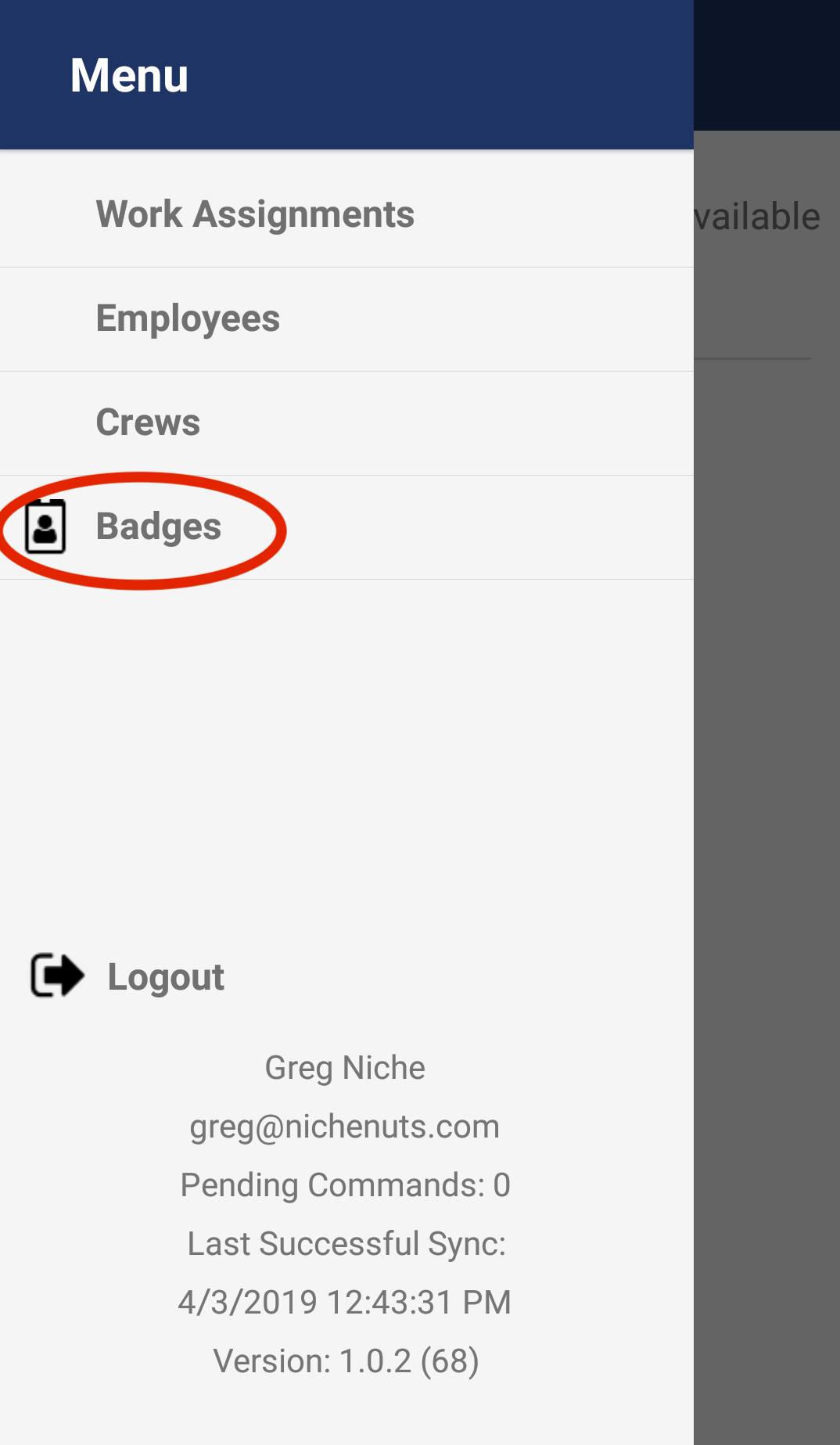
On the main menu tap the Badges option.
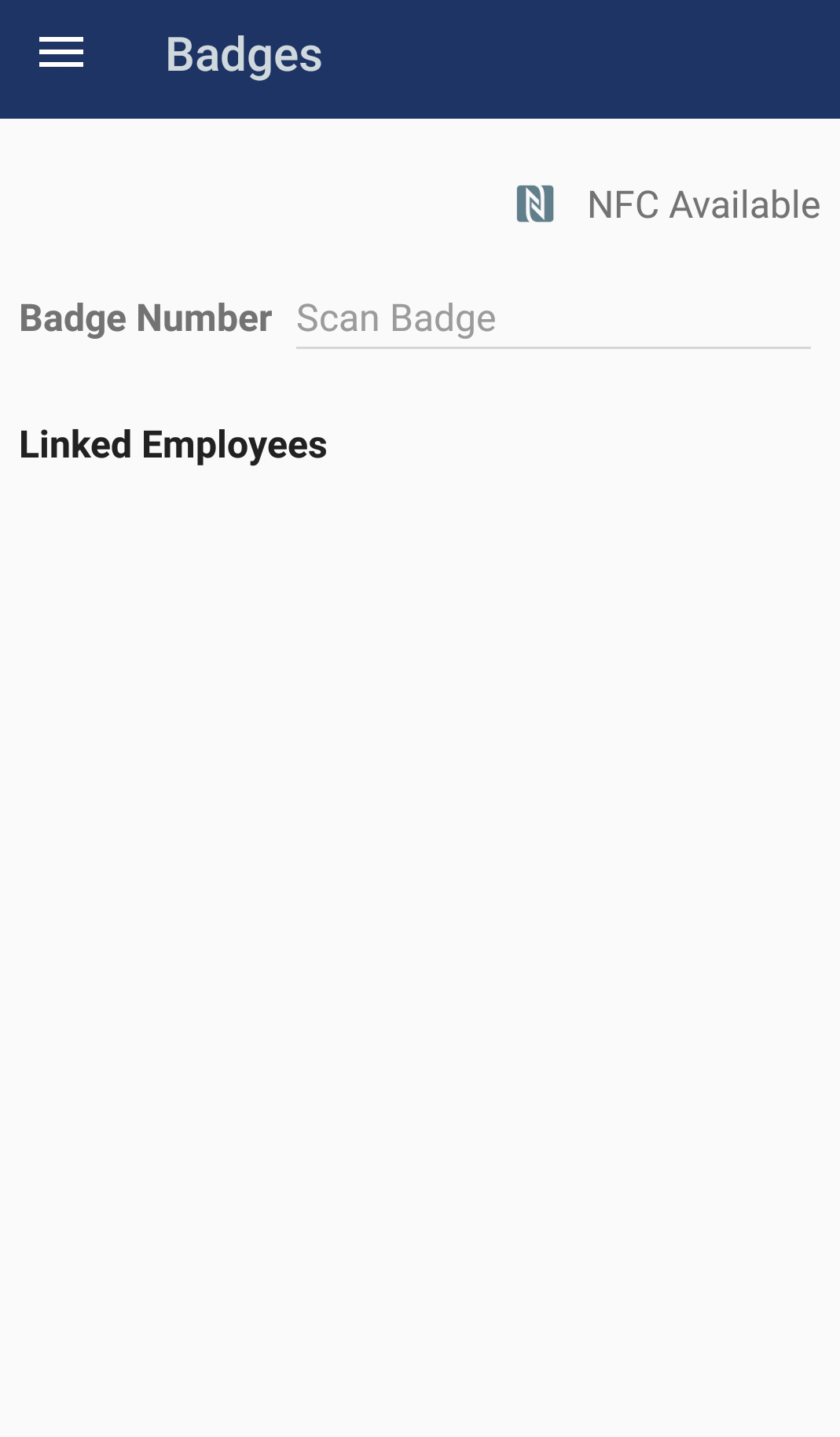
You will now be in the badges screen.
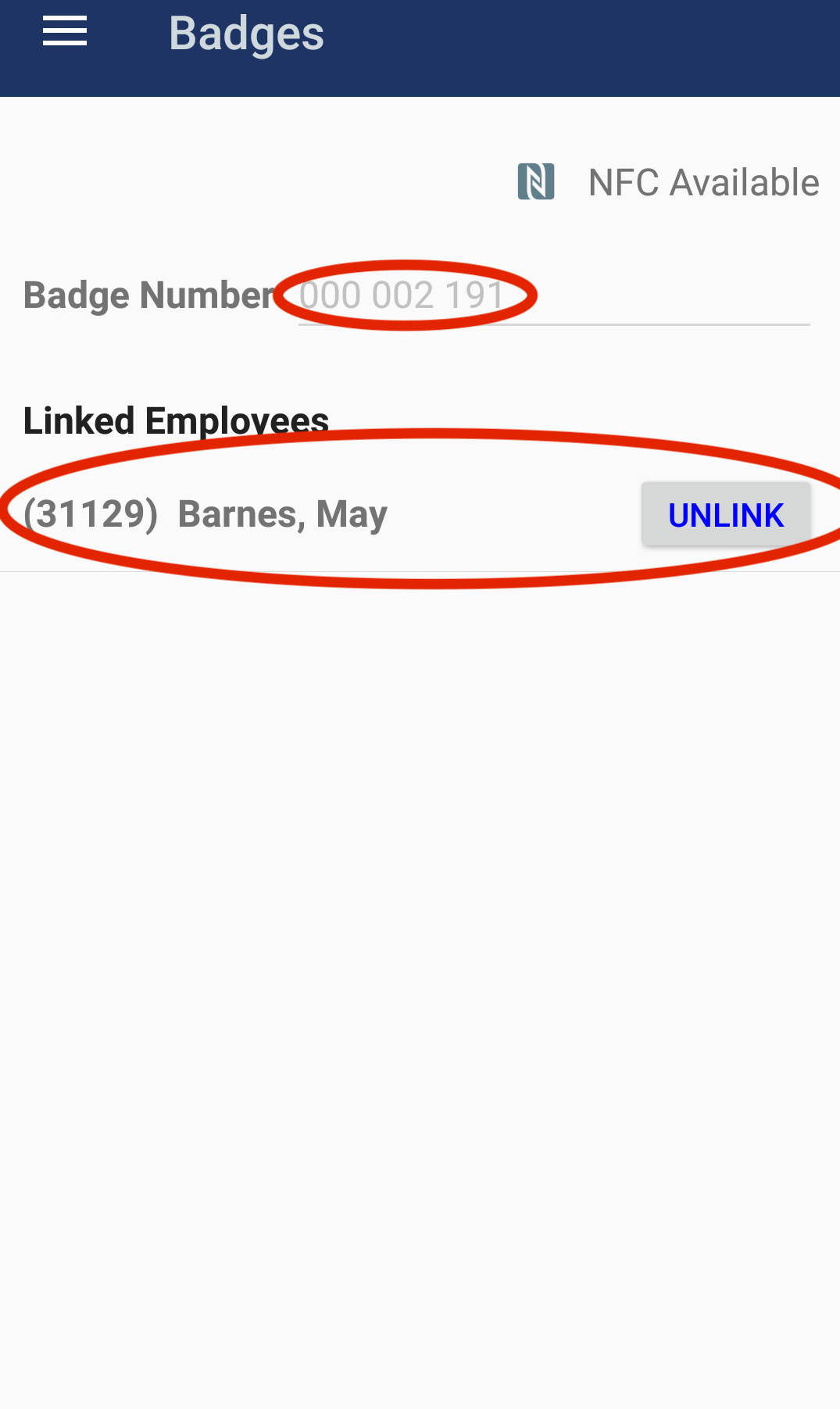
Hold a Pago badge next to your mobile device to scan it. Once your device successfully scans the Pago badge, the Pago Timekeeper mobile app will make a noise and display the employee who is linked to the scanned Pago badge.
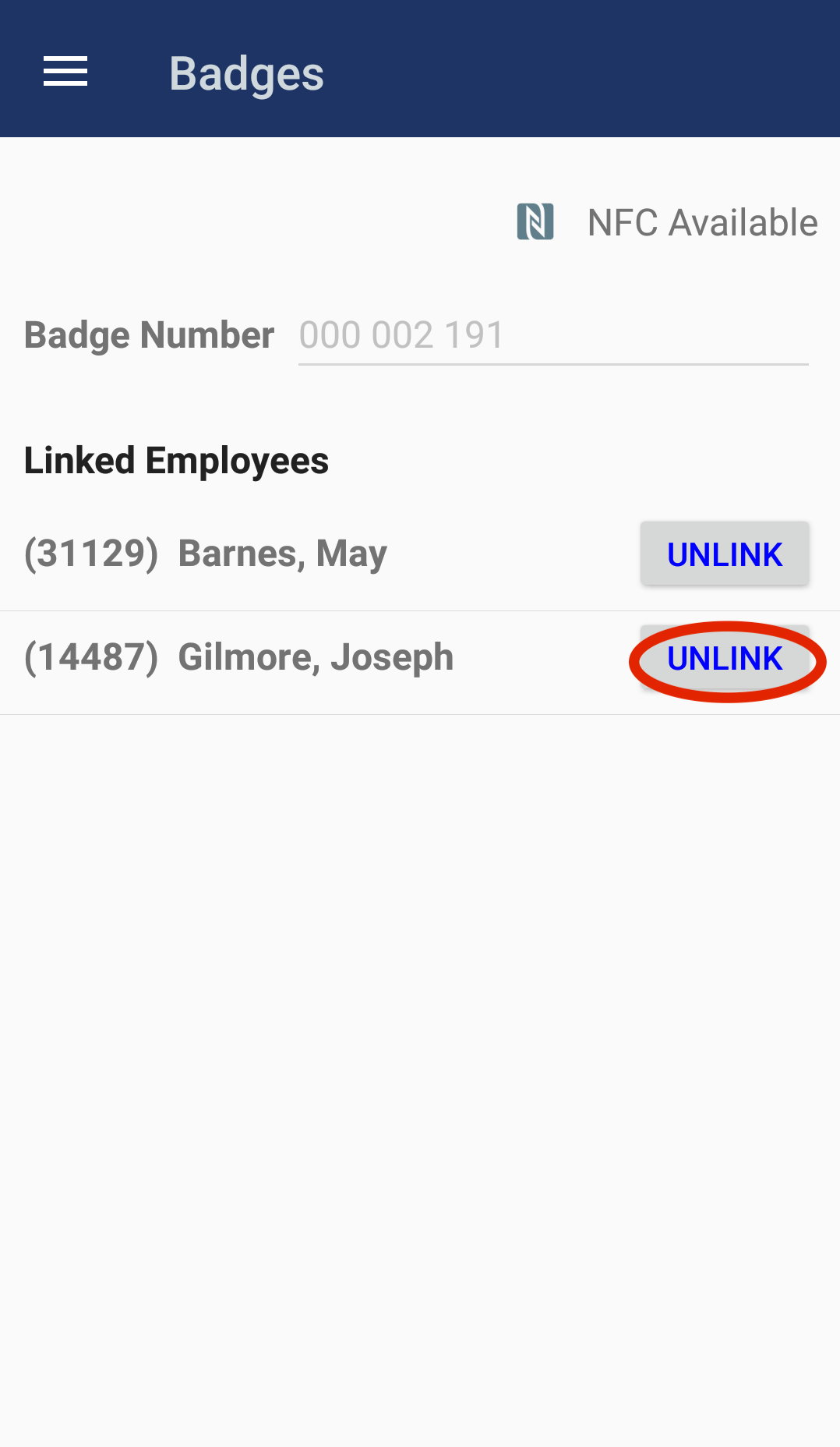
If you see more than one employee in the list, then the Pago badge you scanned is linked to multiple employees. This is not desirable as each Pago badge should only be linked to one employee. Once you've identified which employee should be correctly linked to the Pago badge, you should unlink the other employee(s)).
Comments
0 comments
Article is closed for comments.