
Employee absence can be added via the web or mobile.
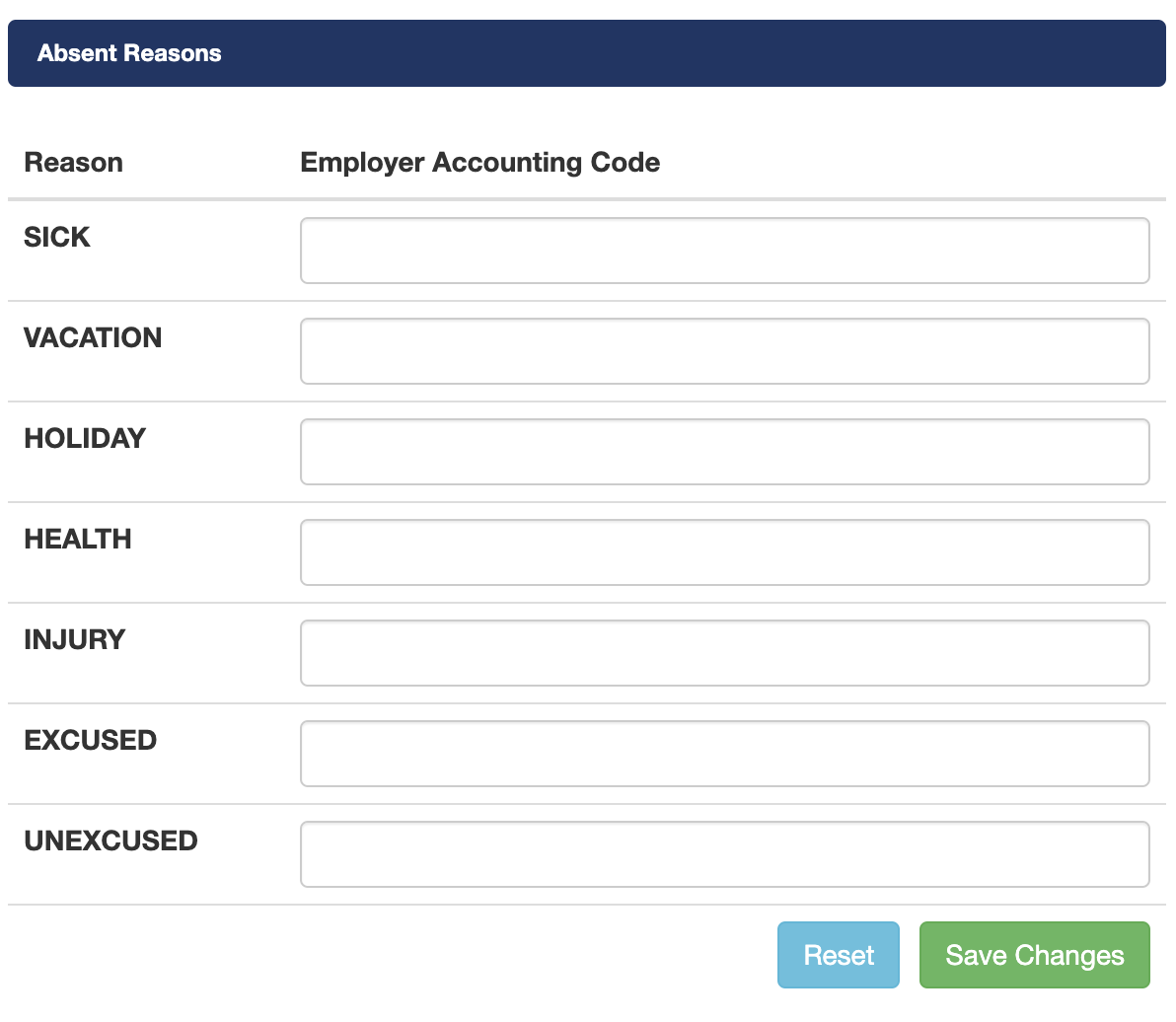
Add the employer accounting code Menu > Setting > Absent Reasons.
The employer accounting codes in this section will be used on the export. Save changes once you have filled out the section. Note. If left blank the JobId column on the export will be blank.
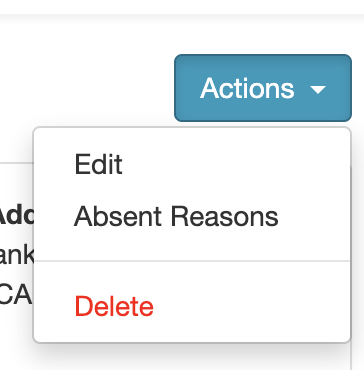
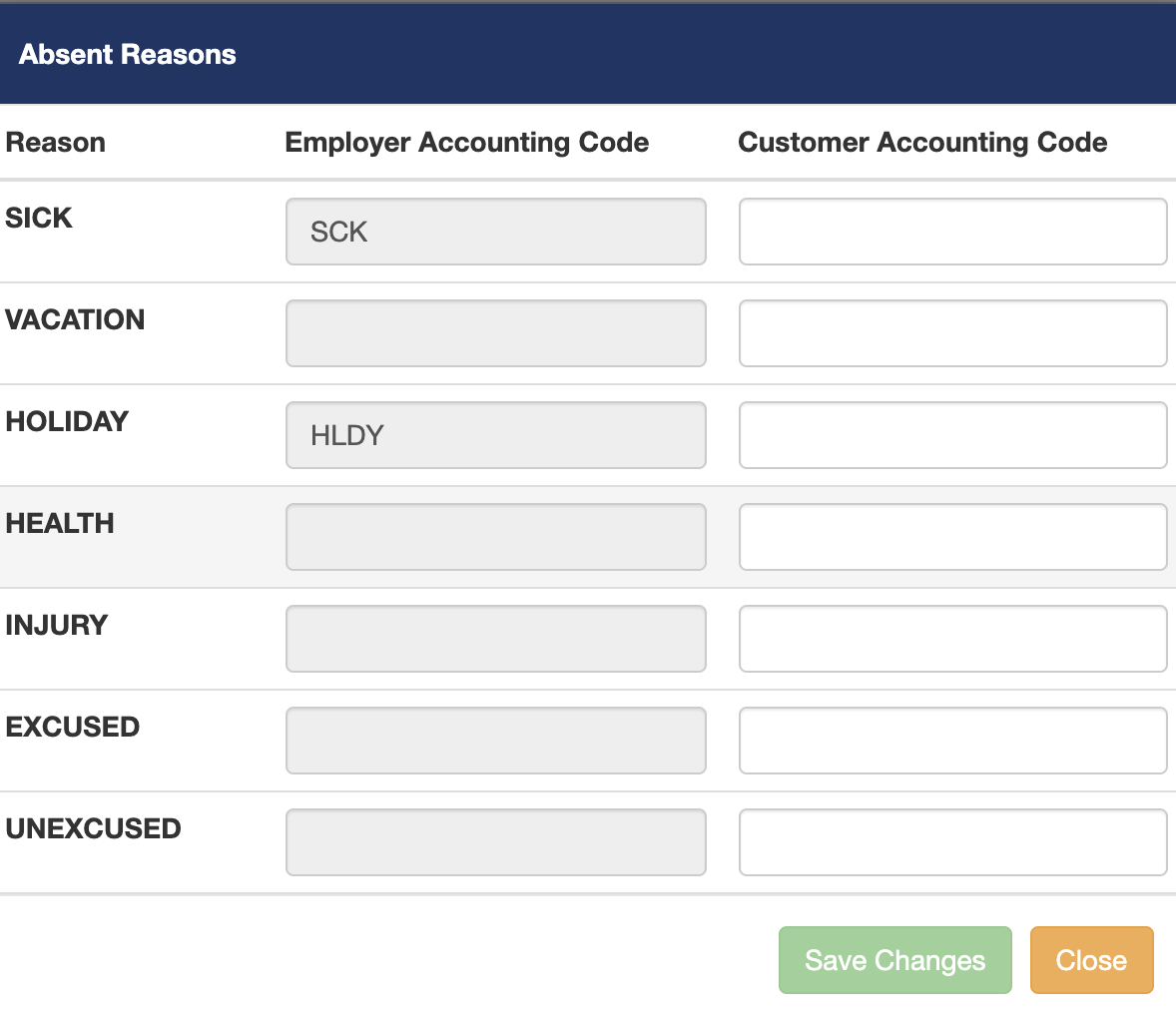
To add Customer Accounting Codes go to Menu > Customers. Click on the blue Actions button on the top right and from the drop-down menu click on Absent Reasons.
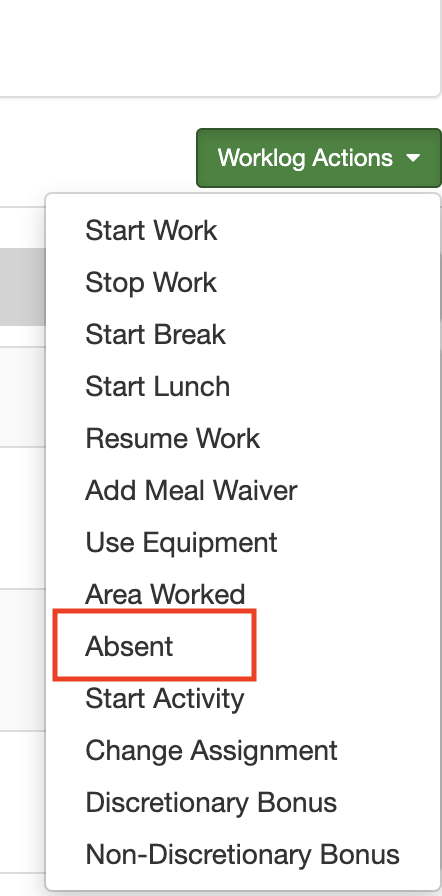
To record an absent employee select the work assignment and click the Time card then click on Worklog Action on the right side of the page. From the drop-down menu select the Absent option.
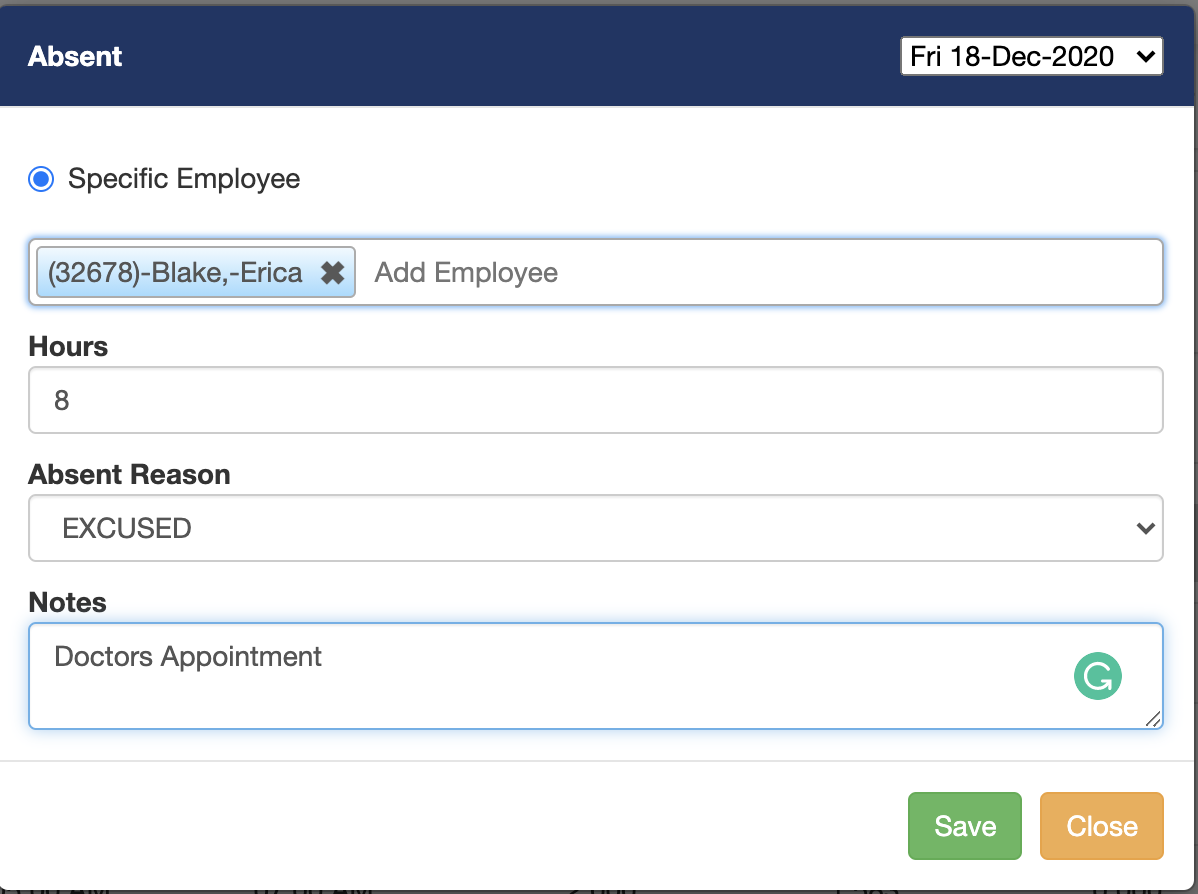
On the Absent screen lookup, an employee(s) set the hours and select an absence reason from the drop-down menu. Notes can also be added. However, the notes won't be exported.
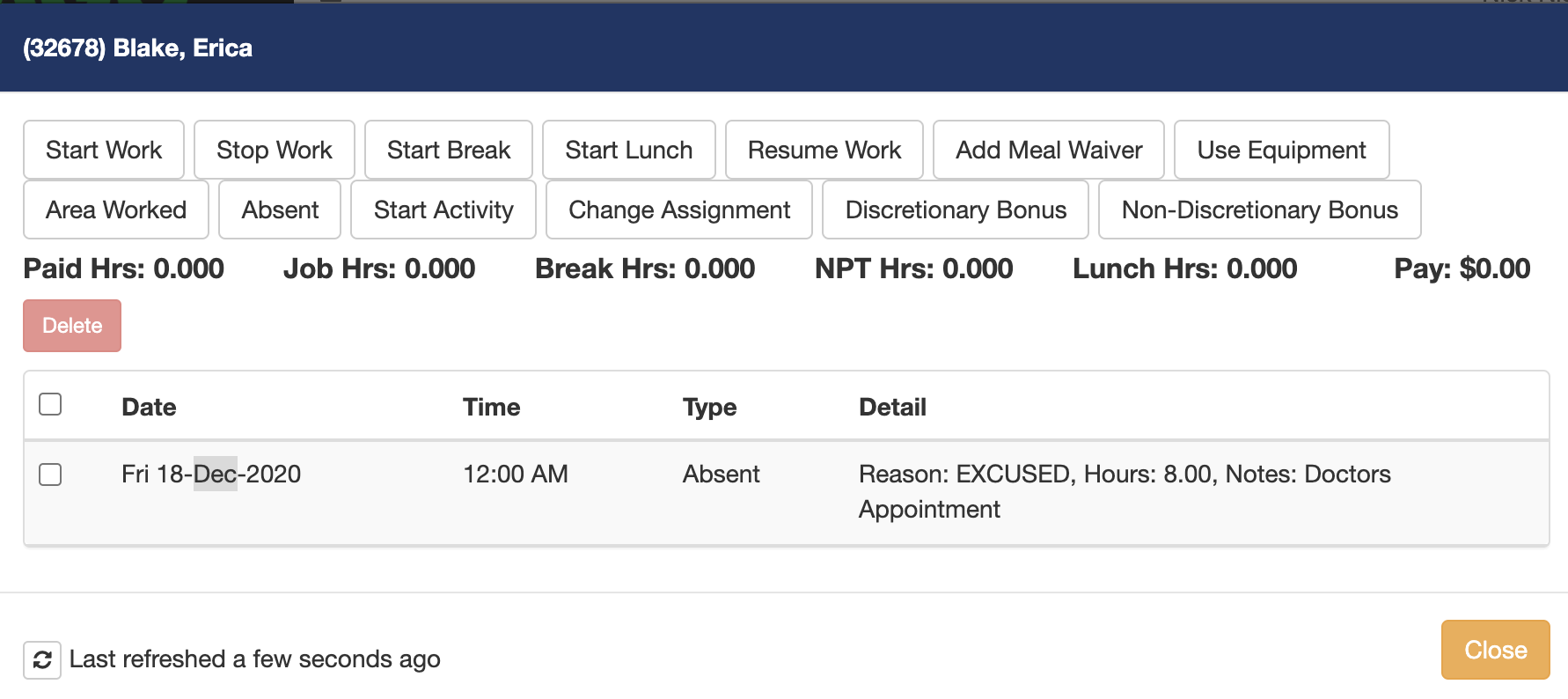
To view, the Absent employees look at the absent section. Click on the employee to view the details.

Currently, the employee absence payroll file does not have a way of exporting the rate.
Comments
0 comments
Please sign in to leave a comment.