
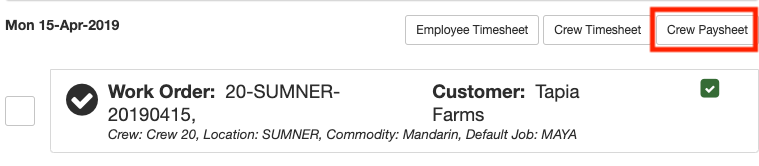
On the work assignments page you will notice buttons at the top of every day section. The buttons create reports for you to review. If you click on any of the report buttons a new browser tab will open where you can view the port.
Employee Timesheet
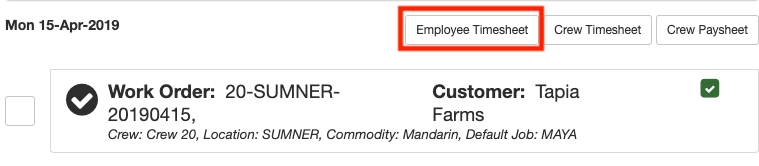
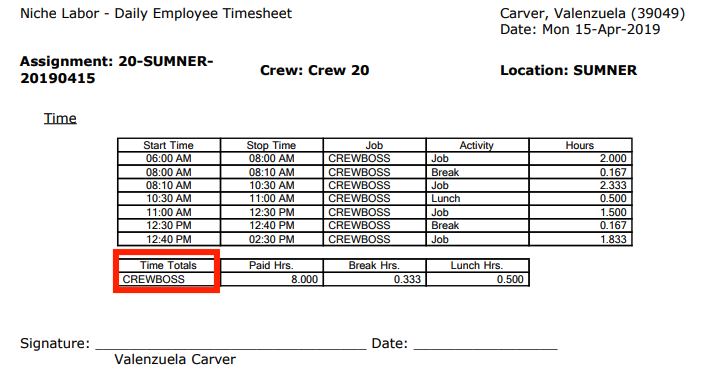
The employee timesheet report displays a list of timesheet data for each employee. The report breaks down the employees time in detail. It also shows the Job performed for each employee and the total hours the employee worked.
Crew Timesheet
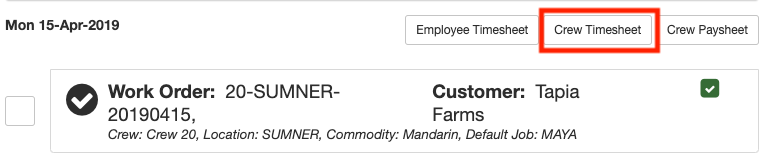
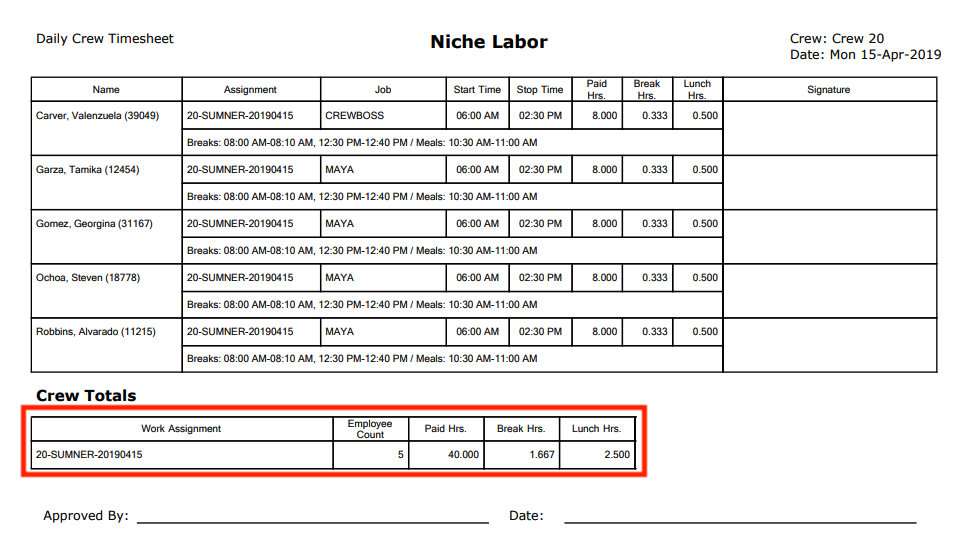
The crew timesheet displays summary totals of each employee in the crew. Crew totals display at the end of each crew section. Crew totals include the employee count, paid hours, break hours and lunch hours. (if the employees were doing piece-work then production totals also display).
Crew Paysheet
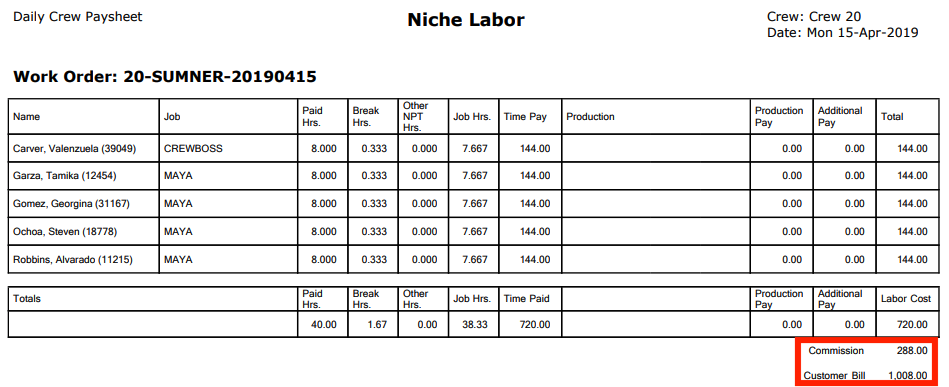
The crew paysheet report displays payment details for each employee.
Comments
0 comments
Article is closed for comments.