
Timekeepers are in charge of clocking in employees, managing time entries, and completing the timekeeping and production entry for work assignments. You can add timekeepers in two places. You can add a timekeeper to a crew or you can add a timekeeper to a specific work assignment.
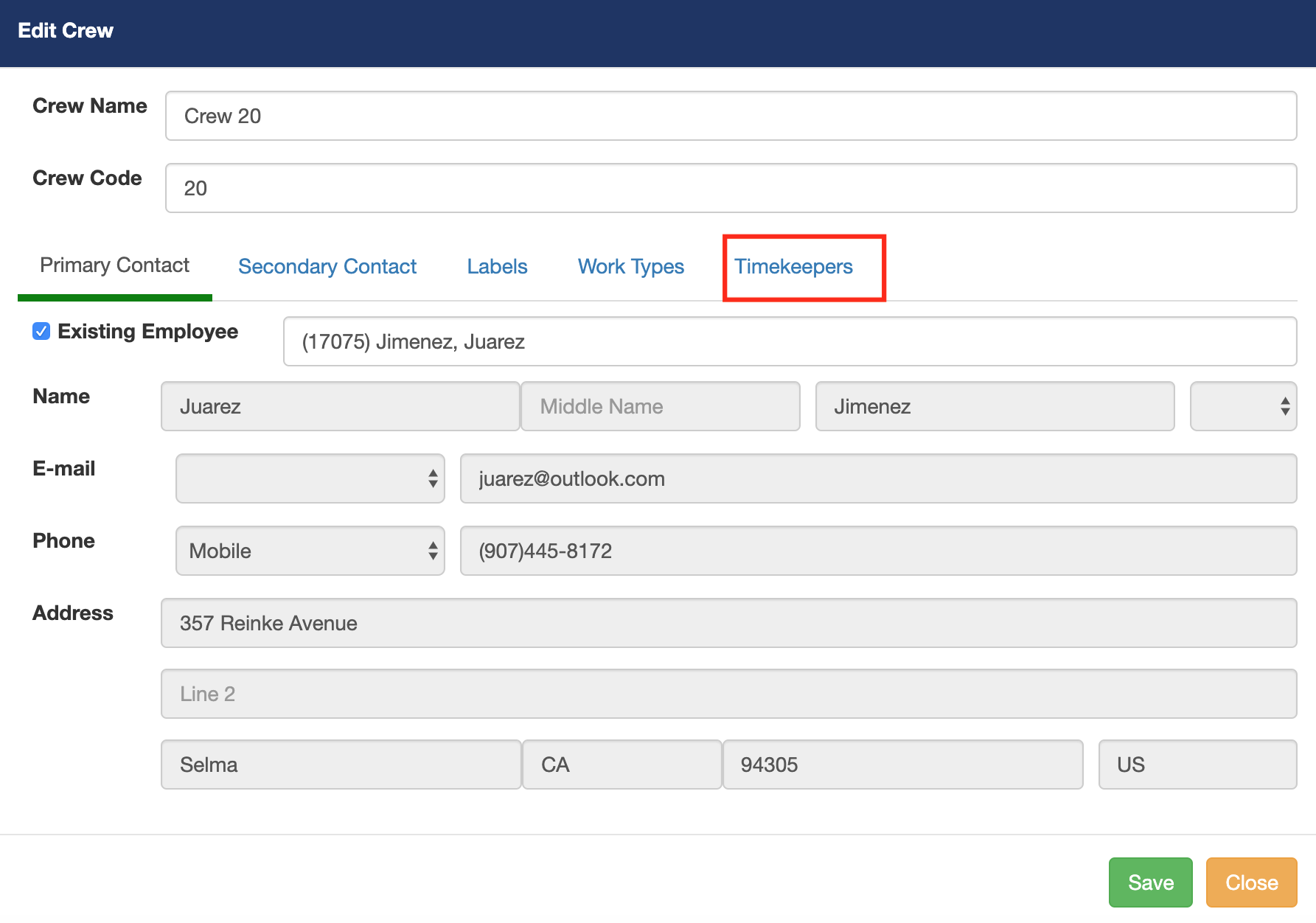
The first example we will be adding a timekeeper to a crew.
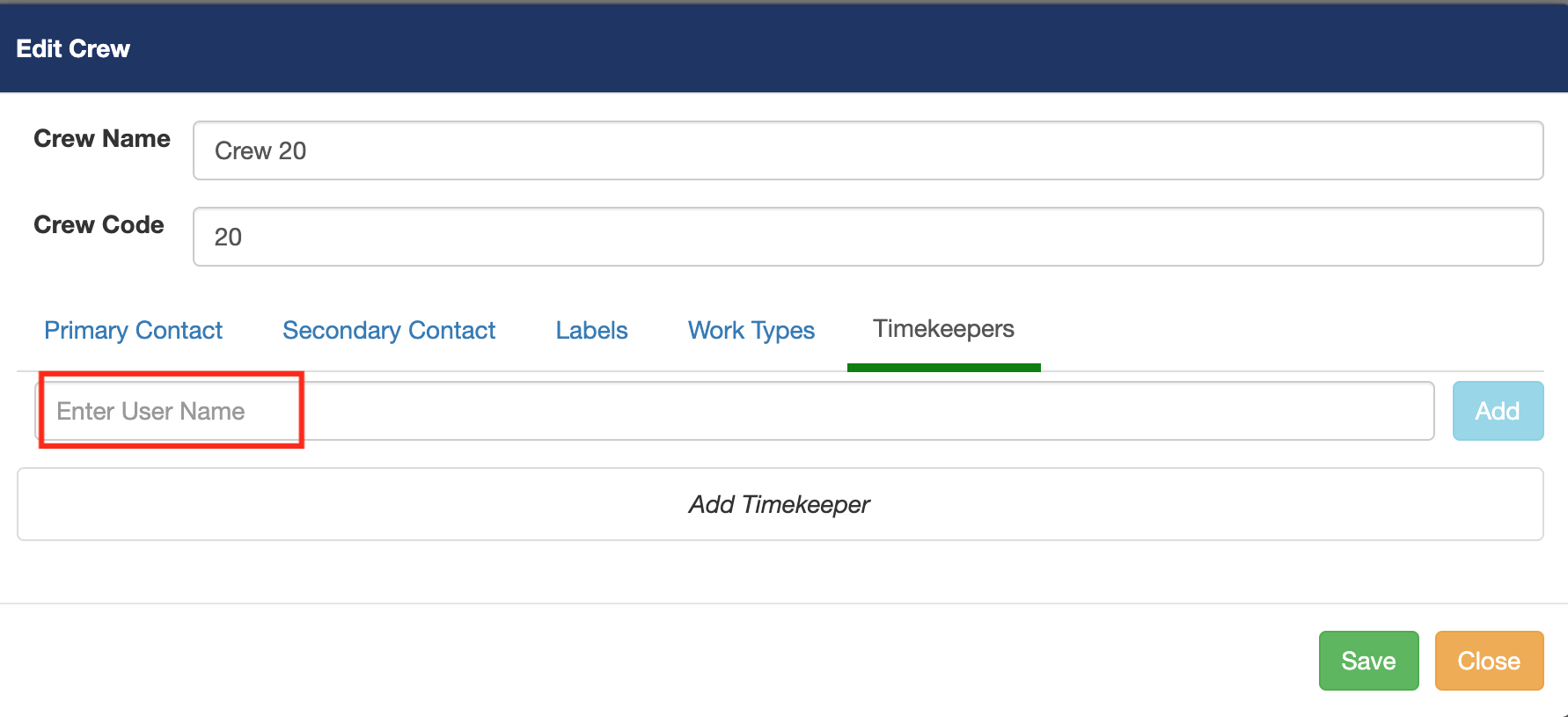
When you start entering the username a list of registered timekeepers will be available. (Please note if you don't see a list of available timekeepers make sure you have created a user account for the timekeeper.
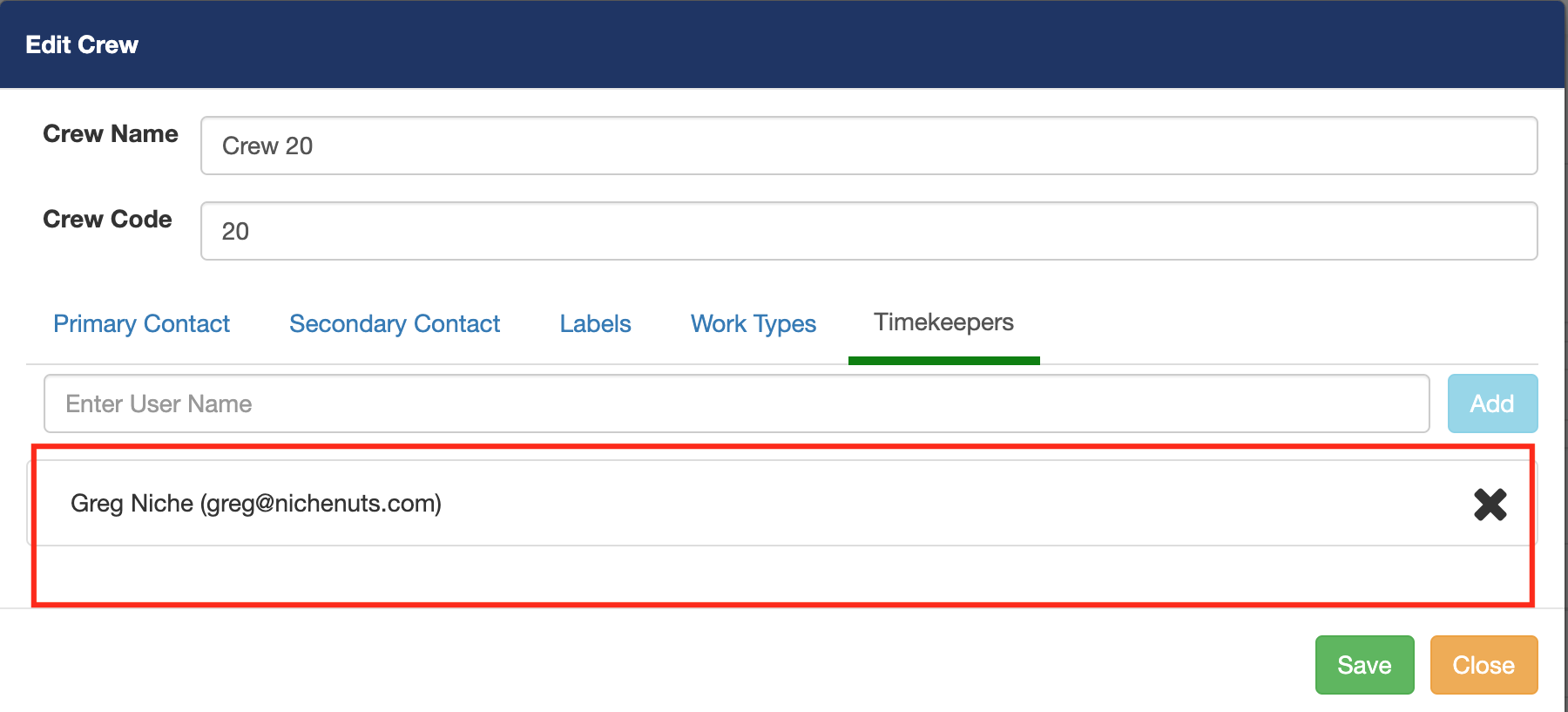
Now you will see a list of all the timekeepers you have added to this crew.
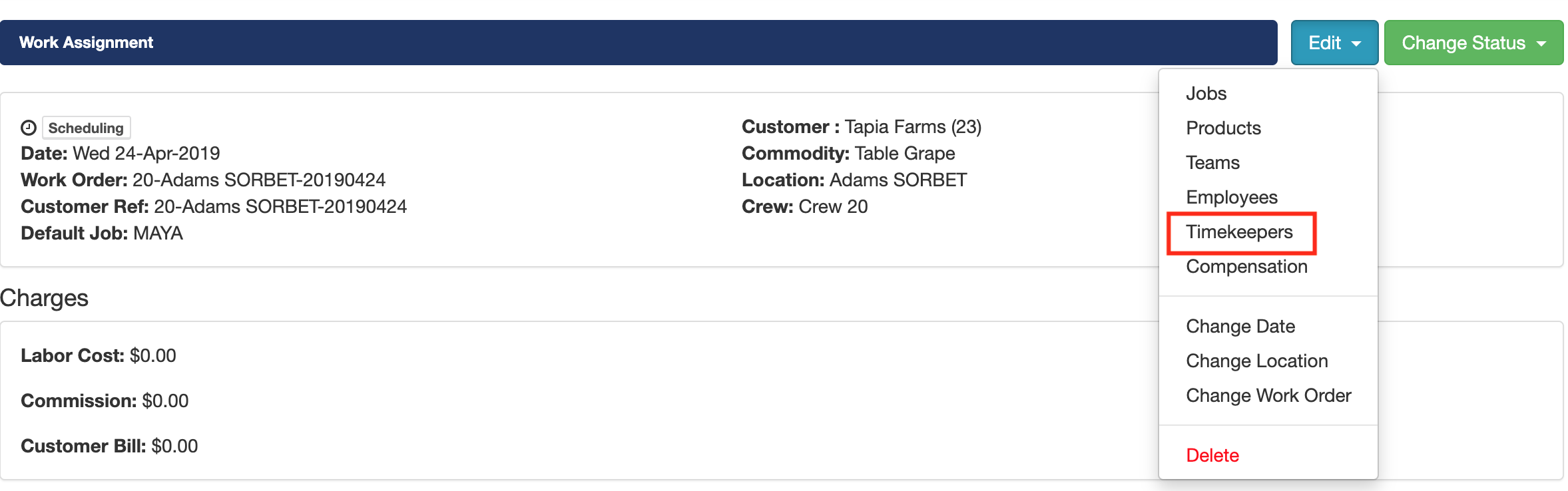
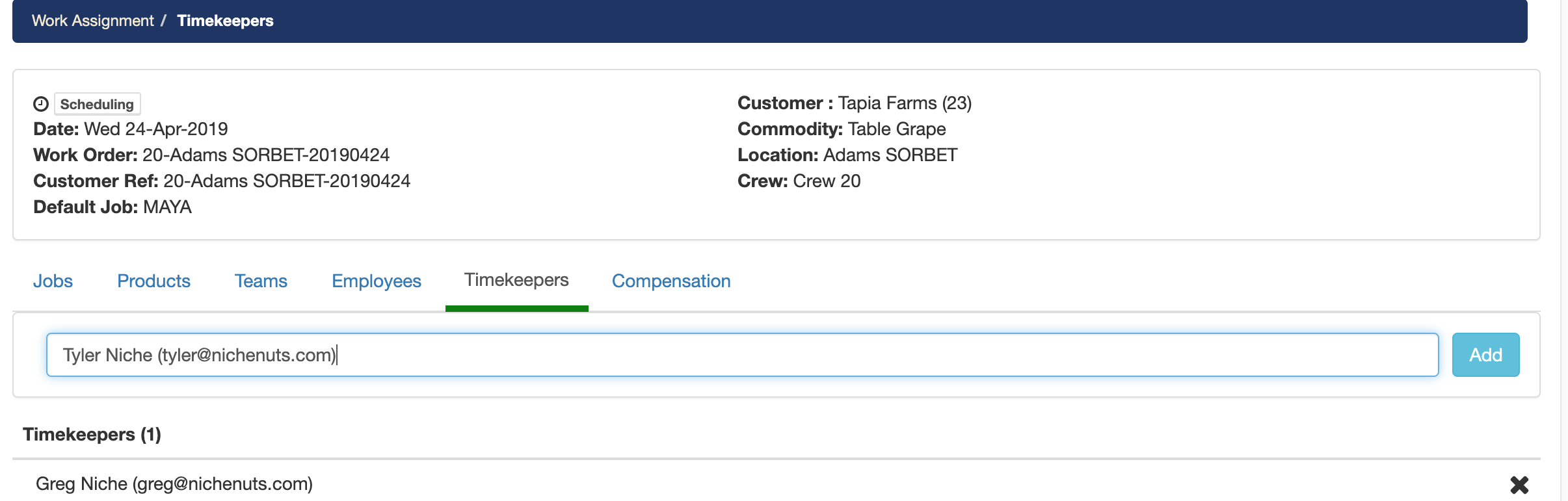
For the following example, we will be adding a timekeeper to just the work assignment.
Click on the edit button and click on timekeepers to add additional timekeepers to this work assignment.
Click add once you have selected the desired timekeeper. (Please note, if the timekeeper does not appear on the list make sure the the timekeeper is added as a user to your account).
Comments
0 comments
Please sign in to leave a comment.